Managed vs unmanaged switch comparison for reliable, secure, and efficient business network infrastructure.
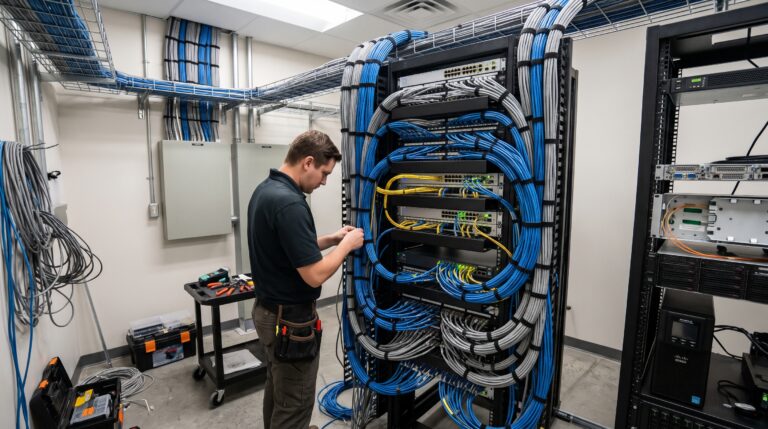
A few years ago I got a call from a twelve person accounting practice. Their network “went down every afternoon,” and the IT contractor they had been using had already replaced the router twice. When I walked in, the first thing I did was crawl under the reception desk. There it was: a small eight port switch from an electronics store. Both ends of the same patch cable were plugged into it. Every time the receptionist moved her chair, the cable shifted and the loop came alive. Then broadcast traffic flooded the office until nothing could talk to anything. Nobody there had ever thought about the managed vs unmanaged switch question, and it was costing them.
That switch cost them less than lunch for two. However, the downtime it caused cost them several billable days during tax season.
I tell that story because it captures the real question behind the managed vs unmanaged switch debate. It is rarely about which box is “better.” Instead, it is about what happens when something goes wrong and who will notice. It is also about how much control you need over the most boring, most important device in your office.
I have spent most of my career designing and fixing networks for professional services firms. That means law offices, accounting practices, consultancies, marketing agencies, and small engineering shops. Here is how I actually think through the managed vs unmanaged switch decision, without the brochure language.
First, What Any Managed or Unmanaged Switch Really Does
Your router connects your office to the internet. Your switch, on the other hand, connects everything inside the office to each other. If that distinction is fuzzy, my breakdown of a network switch vs. a router covers it in more depth. The switch links desktops, printers, IP phones, access points, the file server, and the security cameras.
Every switch, managed or not, learns which device sits on which port by reading MAC addresses, then forwards traffic only where it needs to go. In other words, that basic job is identical across both categories. A five port unmanaged switch and a forty eight port enterprise managed switch both do Layer 2 forwarding.
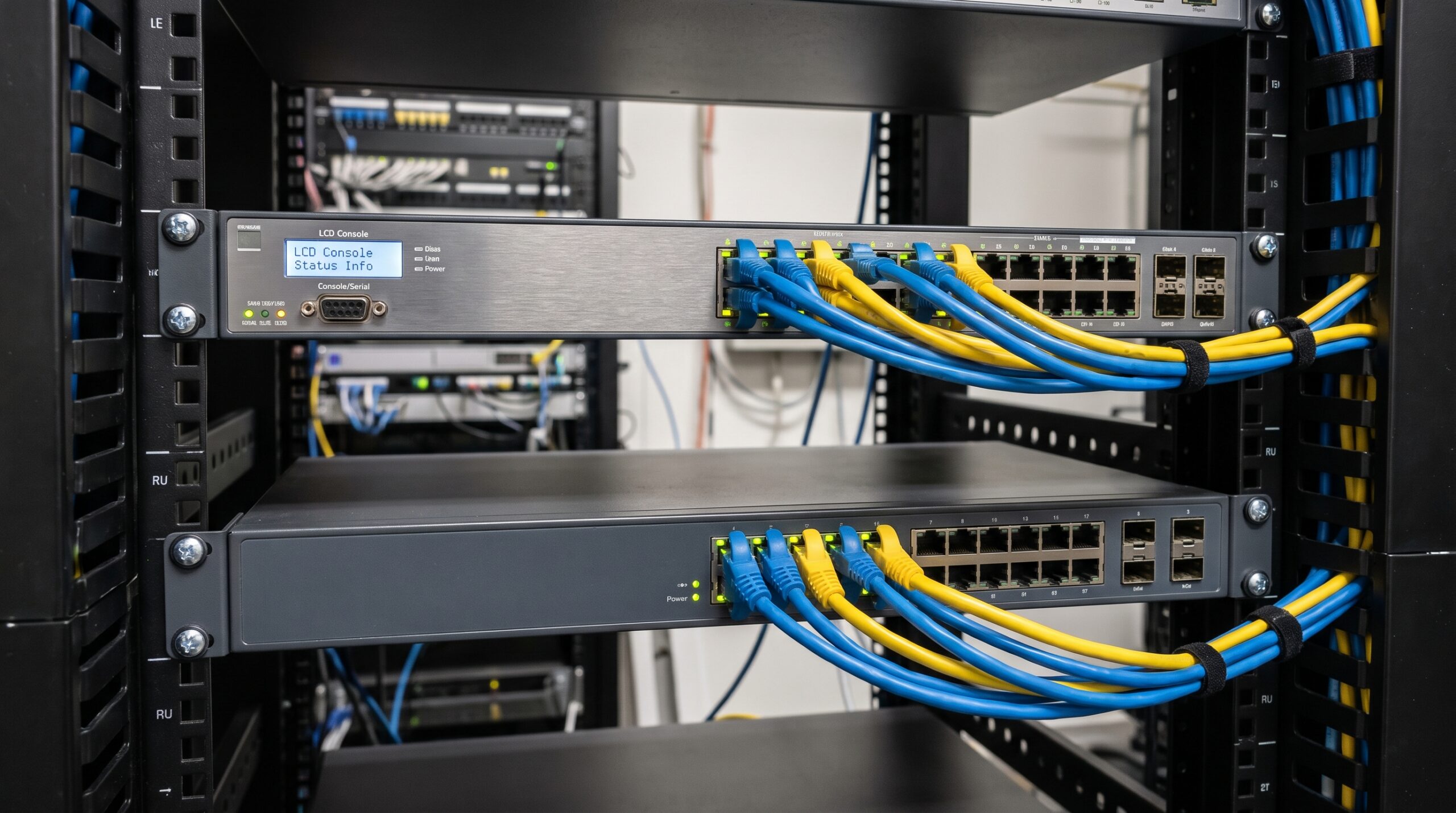
The difference is everything layered on top of that basic job. As Cisco puts it in their own comparison, the key difference is how much control you have over the switch’s settings. An unmanaged switch has no settings to speak of. Meanwhile, a managed switch has hundreds.
Managed vs Unmanaged Switch: The Honest Case for Unmanaged
I want to be fair here, because a lot of networking content treats unmanaged switches like toys. They are not. In fact, they are reliable, inexpensive, and genuinely the right answer in plenty of situations.
An unmanaged switch is plug and play. You take it out of the box, connect power, connect cables, and it works. There is no web interface, no password to forget, no firmware to patch, and nothing to misconfigure. For a lot of small offices, therefore, that simplicity is a feature, not a limitation.
Here is where I happily recommend one:
- Very small offices with a flat, simple network. Say you have five or six people, a router with built in WiFi, and a shared printer. If everything important lives in the cloud, an unmanaged switch will serve you well for years. My guide to small business network setup walks through that kind of layout.
- Extending ports at a desk or in a small room. Need four more ports in a conference room for a display, a laptop dock, and a phone? In that case, a small unmanaged switch is perfectly reasonable, as long as it sits behind a managed switch that can protect the rest of the network.
Cisco’s own small business line reflects this. For example, their Business 110 Series is unmanaged and aimed squarely at home offices and small businesses. Several models even include Power over Ethernet on half the ports for a couple of phones or access points.
Where Unmanaged Switches Fall Short of Managed Ones
The limitation is simple: an unmanaged switch treats every device and every packet as equal. There is no way to separate guest traffic from accounting traffic. Similarly, a client call gets no priority over a large backup upload. Nothing warns you that port 7 has been throwing errors for three weeks. And in most cases it cannot stop a loop like the one under that reception desk.
Managed vs Unmanaged Switch: What the Extra Cost Buys You
Clients often ask why a managed switch costs three, five, or ten times more than an unmanaged one. So I walk them through what they are buying. It is not faster ports. Rather, it is visibility and control.
VLANs: Separating Traffic That Should Never Mix
This is the single biggest reason I install managed switches in professional services offices. A VLAN (virtual LAN) lets you carve one physical network into several logical networks. Specifically, the IEEE 802.1Q standard defines how switches tag traffic so each VLAN stays isolated. It plays the same role for switching that RFCs play for internet protocols. Traffic between VLANs then has to pass through a router or firewall where you can apply rules.
In a typical office I will build something like this:
- A staff VLAN for company laptops and desktops
- A voice VLAN for IP phones
- A guest VLAN that only reaches the internet
- A device VLAN for printers, cameras, smart TVs, and anything else with questionable firmware
- A server or management VLAN that only IT can reach
Why does that matter? Because the guest who connects to your lobby WiFi should never be able to see your file server. Likewise, the cheap conference room display running firmware from 2019 should not share a network with the partner’s laptop that holds client tax returns. CISA has pushed segmentation for years to limit how far an attacker can move after getting in. For a small office, VLANs on a managed switch are the most practical way to do that.
For firms that take card payments, there is a compliance angle too. The PCI Security Standards Council does not require segmentation. However, it strongly recommends isolating the cardholder data environment to reduce the scope of an assessment. In plain terms, then, a flat network means everything is potentially in scope. As a result, if you segment properly, your audit gets smaller.
Quality of Service: Keeping Calls Clear
If your office runs VoIP phones or spends half the day on video calls, Quality of Service (QoS) matters. A managed switch can read the priority markings that phones put on their voice packets (DSCP and 802.1p values) and send those packets through first.
An unmanaged switch ignores those markings entirely. Most of the time that is fine, because a gigabit office network is rarely congested. But the moment someone kicks off a large file sync or a backup job runs during business hours, choppy audio shows up. I have seen more than one managing partner blame their phone provider for call quality problems that were actually happening on their own switch.
Loop Protection and Spanning Tree
Back to that reception desk. Managed switches run Spanning Tree Protocol (STP, or its faster version RSTP). It detects loops and shuts down the redundant path before it can melt your network. In addition, many have storm control, which caps broadcast traffic on a port if it spikes.
Some newer unmanaged switches include basic loop detection, and I am glad to see it. But it is not consistent across brands, and you usually cannot see when it triggers.
Power over Ethernet You Can Actually Manage
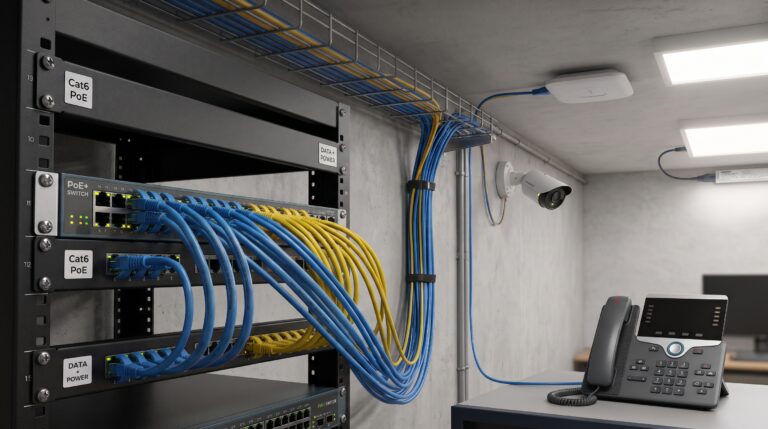
Plenty of unmanaged switches offer PoE now. What they do not offer, however, is control. On a managed PoE switch I can see exactly how many watts each port is drawing. I can also set priorities so the phones stay powered if the budget runs tight. Cameras and access points can power down overnight on a schedule. Best of all, I can remotely power cycle a frozen device without sending anyone up a ladder.
Above all, that last one has saved my clients a lot of after hours service calls.
Monitoring and Troubleshooting
A managed switch tells you things. You see which ports are up, what speed each device negotiated, and how many errors a port has logged. It can also send logs to a central server and alerts through SNMP, which is exactly what most network monitoring tools rely on. Furthermore, it can mirror a port so I can capture traffic and figure out what a misbehaving device is actually doing.
With an unmanaged switch, troubleshooting means unplugging cables one at a time and waiting to see what breaks. I have done that. Frankly, it is not a good use of anyone’s billable hours, and it turns a simple help desk ticket into an afternoon.
Access Security
Managed switches support port security features that matter in shared offices or buildings with lots of foot traffic. For instance, you can disable unused ports or limit how many devices connect on a port. You can even require 802.1X authentication before a device gets network access. Do you sublet part of your office or share a floor with another tenant? Then this is how you stop someone from plugging into an open wall jack.
Beyond Managed vs Unmanaged Switch Options: Smart and Cloud Models
The managed vs unmanaged switch choice is not as binary as it used to be. These days, vendors also sell a middle tier, usually called “smart,” “web managed,” or “easy managed” switches. Cisco’s Business 220 and 250 lines, for example, sit between their unmanaged 110 Series and their fully managed 350 Series, both in price and features.
Smart switches typically give you a web interface with VLANs, basic QoS, port mirroring, and some monitoring. However, they skip advanced routing, deep security features, and a command line interface. For a 10 to 40 person office, a good smart switch covers about 80 percent of what I actually configure.
Finally, there is the cloud managed category. These switches are configured and monitored through a vendor dashboard on the web or a phone app instead of logging into each device individually. For firms with two or three locations and no IT staff on site, cloud management is genuinely useful, especially when the sites are already tied together over SD-WAN or MPLS. I can push a configuration change to every branch from one screen. I also get an alert on my phone when a port goes down at a satellite office.
The tradeoff is ongoing licensing on some platforms and a dependency on the vendor’s cloud service. For that reason, read the licensing terms before you buy. Some brands charge nothing for the dashboard; others charge per device per year, and if the license lapses, features stop working.
Five Questions That Settle the Managed vs Unmanaged Switch Decision
When a firm asks me which switch they should buy, I do not start with product sheets. Instead, I start with these questions.
1. Do you handle sensitive client data on your local network?
Law firms, accounting practices, financial advisors, HR consultancies, and anyone touching health or payment data should be segmenting their network. If the answer is yes, you need at least a smart switch, and probably a managed one.
2. Do you offer guest WiFi?
If clients or visitors connect to your network, you want guest traffic isolated. Some access points can do this on their own; however, the cleanest way is a dedicated guest VLAN carried through a switch that understands VLAN tags.
3. Are you running IP phones or relying heavily on video calls?
If voice quality matters to how you serve clients (and in professional services, it almost always does), QoS on the switch is worth having.
4. Who is going to manage it?
This is the question people skip. After all, a managed switch that nobody configures is just an expensive unmanaged switch. Have no internal IT and no contractor? Then line up outside IT support for small business, budget for a managed services provider (here’s what managed IT services cost in practice), or choose a cloud managed platform someone can maintain remotely.
5. How many devices do you expect in three years?
Not today. Three years from now. Count laptops, phones, printers, access points, cameras, door access controllers, conference room gear, and the smart thermostat facilities installed without asking anyone. Good IT asset management makes this count much easier. Of course, offices almost always underestimate this number.
Managed vs Unmanaged Switch in Three Real Offices
Let me make this concrete with the kind of offices I work with regularly.
Scenario One: The Six Person Consultancy
A small management consultancy with six staff and everything in Microsoft 365. There is no on site server, just laptops on WiFi, one printer, and a conference room display. No IP phones; they use Teams for calls.
My recommendation: A quality business firewall with built in guest network isolation, a pair of good access points (or a small mesh WiFi for business system), and a small unmanaged or entry level smart switch. Honestly, an unmanaged switch is fine here. Besides, the money is better spent on the firewall, endpoint protection, and backups. I would only push for a smart switch if they plan to add cameras or phones within a year.
Scenario Two: The 25 Person Marketing Agency
A creative agency with 25 staff and a local NAS for large video and design files. They also run VoIP desk phones, guest WiFi, several smart TVs, and freelancers on their own laptops.
My recommendation: A managed or solid smart PoE switch, 24 or 48 ports, with VLANs for staff, voice, guest, freelancer devices, and AV gear. Then I enable QoS for voice. The NAS lives on the staff VLAN, and freelancer devices only reach what they need. This is exactly the office where an unmanaged switch causes problems. Picture a designer copying a 40 GB video folder while the account director is on a client call.
Scenario Three: The 60 Person Law Firm
A law firm with 60 staff across two floors and a document management server on site. Add VoIP phones, a card terminal at reception, cameras, badge doors, and strict confidentiality obligations.
My recommendation: Fully managed switches at the core and on each floor, configured with VLANs and 802.1X where practical. I add port security on public jacks, centralized logging, and a separate segment for the payment terminal. I also want redundant uplinks between floors using link aggregation. That way, a single cable failure does not take a floor offline, and the firm’s disaster recovery plan has one less weak point. For a firm like this, an unmanaged switch anywhere in the production network is a liability I would flag in writing.
Managed vs Unmanaged Switch Mistakes I See Over and Over
After enough site visits, the patterns become predictable.
Buying a managed switch and never configuring it. In my experience, this might be the most common one. The firm spends good money and someone plugs it in. It works on default settings, so it stays that way for five years. Default admin password, no VLANs, no updates. Consequently, it is now an unmanaged switch with a security hole.
Daisy chaining small unmanaged switches. One switch under a desk feeds another switch in the next room, which feeds another in the conference room. As a result, every hop adds a potential failure point, and nobody has a map of what connects where. When something breaks, it takes hours to trace. A planned star layout, one of the classic network topology types, avoids this.
Ignoring the PoE budget. A switch might advertise PoE on all 24 ports, but the total power budget might only support eight devices at full draw. Then you add cameras and access points, and suddenly devices randomly reboot. Always check the total PoE budget, not just the per port rating.
Managed vs Unmanaged Switch Cost: Looking Past the Sticker Price
Yes, the cheaper side of any managed vs unmanaged switch comparison is the unmanaged one. But when I build a budget for a client, I look at total cost over the life of the equipment, usually five to seven years.
The managed switch costs more up front, plus a few hours of configuration. In return you get faster troubleshooting, which means fewer billable hours lost to downtime. You also get a better security posture, which matters to cyber insurers and clients. Plus, the network can grow without being ripped out.
Consider a firm billing a few hundred dollars an hour per person. One afternoon of downtime for a ten person team easily wipes out the price difference between the two switches. Indeed, that accounting practice from the beginning of this article learned that the hard way.
The Managed and Unmanaged Switch Layout I Use Most
For most offices between 10 and 100 people, I land on a hybrid approach:
- A managed switch at the core in the network closet. It handles VLANs, QoS, logging, and PoE for access points and phones.
- Managed or smart switches at each floor or wing if the office is large enough to need them, connected back to the core with proper uplinks.
- Small unmanaged switches only at the very edge, like a conference room table or a single desk. There, every device belongs on the same VLAN anyway, and the upstream managed port can catch problems.
Overall, this gives clients most of the control where it matters while keeping cost reasonable. The rule I follow: an unmanaged switch should never sit between two managed switches, and it should never carry more than one type of traffic.
So, Which One Does Your Office Need?
Here is the short version I give at the end of a consultation.
Choose an unmanaged switch if your office is very small and everything important lives in the cloud. That assumes no guest network, no IP phones, no servers, and no compliance requirements. In that case, it will be reliable and nearly invisible, which is exactly what you want.
Choose a smart or cloud managed switch if you are growing past ten or so people. It also fits if you need to separate guest traffic or are adding phones and cameras.
Choose a fully managed switch if you handle sensitive client data, take payments on site, or run a local server. The same goes for multiple floors or client security questionnaires. At that point, network control is part of how you protect the business and the people who trust you with their information.
And whatever you buy, configure it, document it, and keep it updated, ideally under a simple change process like the ones ITIL describes. After all, the best switch in the world will not help you if it is still running factory defaults under someone’s desk.
Frequently Asked Questions
What is the main difference between a managed vs unmanaged switch?
The main difference is control. Basically, an unmanaged switch works straight out of the box with no settings to change. A managed switch, by contrast, lets you configure VLANs, QoS, security, and monitoring. Cisco’s overview of switch types breaks this down across capabilities, security, and cost.
Is an unmanaged switch as secure as a managed switch for a small business?
For a very small office with no sensitive data on the local network, it can be acceptable when paired with a good firewall. But an unmanaged switch cannot separate guest, staff, and device traffic, which is a core recommendation in CISA’s guidance on layering network security through segmentation.
Do I need a managed switch for VoIP phones?
Not always, but it helps. A managed switch can place phones on a dedicated voice VLAN and prioritize voice traffic. As a result, calls stay clear when the network is busy. Cisco Meraki’s voice deployment guidance shows how dedicated voice VLANs and priority markings work in practice.
What is a smart switch, and is it the same as a managed switch?
A smart switch sits between the two. In short, it offers a web interface with VLANs, basic QoS, and monitoring, but fewer advanced features than a fully managed switch. Cisco’s explanation of its switch tiers explains how the tiers differ.
Can I mix managed and unmanaged switches on the same network?
Yes, and many offices do. Ideally, keep managed switches at the core and use unmanaged switches only at the edge, where all connected devices belong on the same network segment. TechTarget’s breakdown of switch differences covers how each type fits into a growing network.
Does network segmentation help with PCI DSS compliance?
Yes. Segmentation is not mandatory under PCI DSS, but isolating the systems that handle card data can reduce the scope of your assessment. See the PCI Security Standards Council FAQ on adequate network segmentation for details.
References
- Cisco. What Is a Managed Switch?
- Cisco. Cisco Business Switch Tiers Explained
- Cisco. Cisco Business 110 Series Resource Center
- TechTarget. Comparing Switch Types for Network Control and Cost
- IONOS Digital Guide. VLAN: What Is a Virtual Local Area Network?
- CDW. Choosing the Right Switch for Your Business
- Extreme Networks. 802.1Q VLAN Overview
- CISA. Layering Network Security Through Segmentation
- PCI Security Standards Council. What Is Meant by Adequate Network Segmentation in the PCI DSS?
- PCI Security Standards Council. Guidance for PCI DSS Scoping and Network Segmentation
- Cisco Meraki. Wireless Voice Deployment Guide
- Belden. How Switch Types Compare in Industrial Networks
About the Author