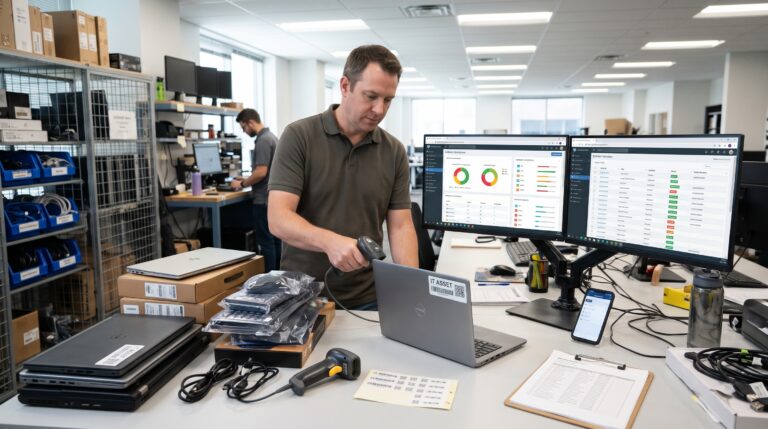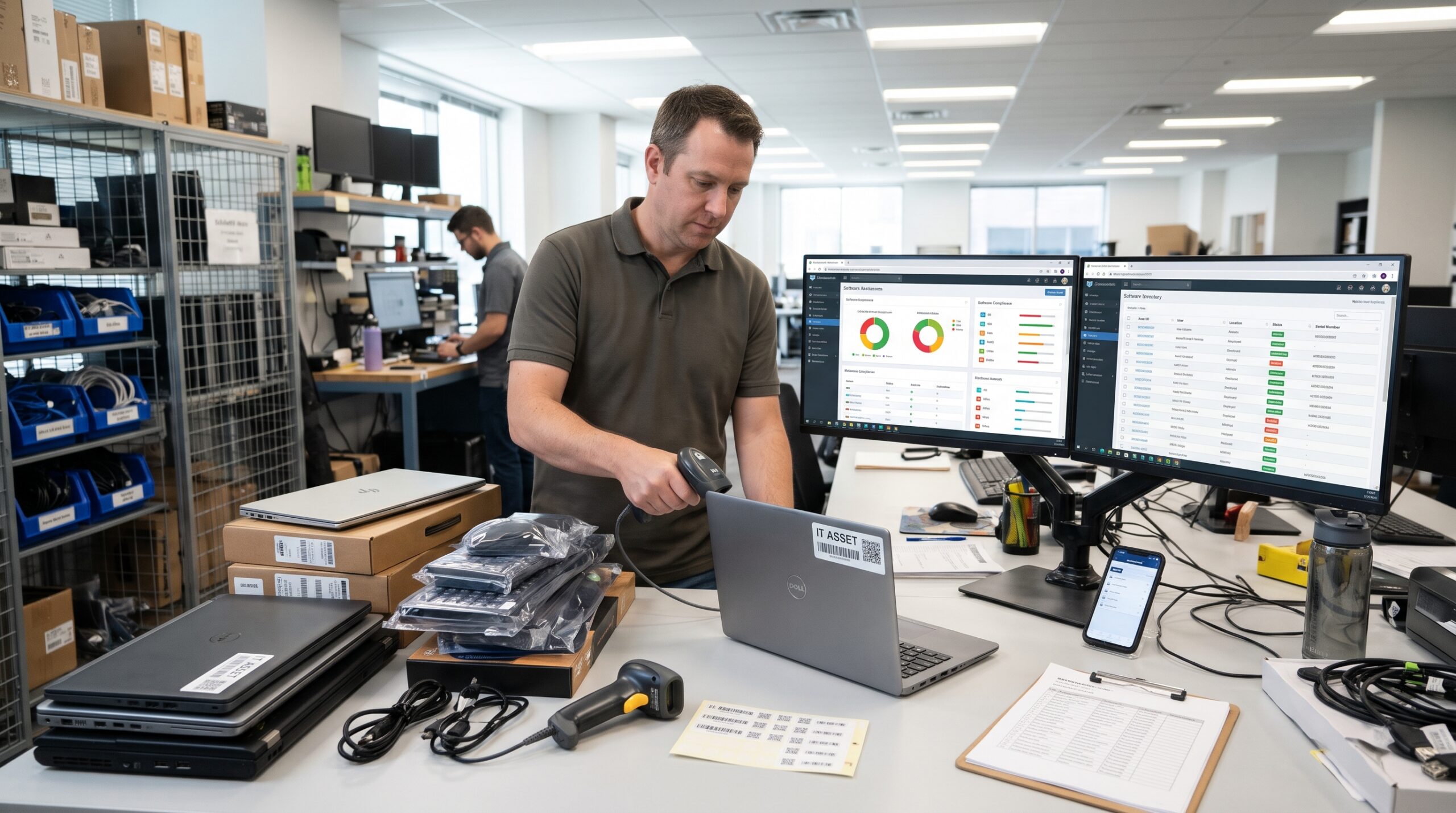
IT asset management helps organizations track equipment, manage inventory, and monitor IT assets efficiently.
Early in my IT asset management career, the first real audit I ran turned up 41 laptops nobody could place. Most of them weren’t stolen, though. Some sat in a drawer at a branch office. A few were still with people who had left the company months earlier. Meanwhile, two sat in a closet, still in their boxes, because a department head “wanted spares.” Our spreadsheet said we had a clean inventory. However, reality told a different story.
That experience shaped how I think about IT asset management. Most people picture it as a simple list: device, serial number, owner, done. In practice, though, the list is the least interesting part of the job. The real work means following each asset from the moment someone asks for it until it leaves the building with its data properly destroyed. Equally important, it means keeping the record true the whole way through.
In this article, I walk through how I approach that work for both hardware and software. My view comes from years of doing this in organizations that ranged from a few hundred seats to several thousand. I’ll also point to the standards and frameworks that give the work structure, because good IT asset management isn’t something you invent from scratch.
Why IT Asset Management Is a Lifecycle Job, Not an Inventory Job
An inventory is a snapshot. In other words, it tells you what you had on the day someone counted. The trouble is that assets move constantly. People swap laptops, install software and forget it, and let subscriptions renew automatically. Similarly, teams repurpose servers without anyone updating a ticket.
For that reason, I treat IT asset management as a lifecycle discipline. The international standard for this work defines ITAM as everything an organization needs to manage, control, and protect IT assets across every stage of their life. The key phrase there is “every stage.” If your process only kicks in when you do an annual count, you’ll always play catch up.
A lifecycle view also changes who cares about the data. Finance cares about depreciation and spend. Security, on the other hand, cares about what connects to the network and whether someone patched it. Procurement cares about contracts and renewal dates, while legal cares about license compliance. When you run IT asset management well, all of those groups pull from the same source of truth instead of keeping their own competing spreadsheets.
What Counts as an Asset in IT Asset Management
Before you can track anything, you have to agree on scope. In fact, I’ve watched programs stall for months because nobody settled this question early. Here is the scope I typically work with.
Hardware
- Laptops, desktops, and workstations
- Mobile phones and tablets
- Servers, storage arrays, and network gear such as switches, routers, firewalls, and access points
- Peripherals worth tracking individually, like docking stations and monitors above a set value
- IoT and building devices that connect to the network, such as cameras, badge readers, and conference room systems
Software
- Installed applications with perpetual or subscription licenses
- SaaS subscriptions, including the ones people buy on a corporate card
- Cloud resources and the licensing tied to them
- Operating systems and database licenses, which often become the most expensive line items
Contracts and Entitlements
- Purchase records, warranties, support and maintenance agreements, and license entitlements
Most people forget that last category. Yet a license key without the contract behind it tells you almost nothing about what you can actually do with it.
Devices You Don’t Own
On the security side, the Center for Internet Security makes the scope clear. Its first control asks organizations to actively manage every enterprise asset that connects to the infrastructure. That includes end user devices, network devices, IoT devices, and servers, whether they connect physically, virtually, remotely, or from cloud environments. So if a device touches your network, it belongs in your inventory, even if you don’t own it.
The Stages of the IT Asset Management Lifecycle
Different frameworks slice the lifecycle a little differently. In my day to day work, however, I use six stages. They’re simple enough that people outside IT can follow them. At the same time, they’re detailed enough that each one has clear owners and checkpoints.
1. Plan and Request
Everything starts with a need. For example, someone joins the company, a team grows, or an old fleet reaches the end of its useful life. At this point, I try to slow things down just enough to ask the right questions.
First, do we already own something that fits? Next, is there a standard model we should buy? Finally, does a software title in our catalog already do the same job as the one the person wants?
The best savings in IT asset management happen here, before anyone spends money. After all, every redeployed laptop and every reharvested license is a purchase you didn’t have to make. That’s why I keep a short, approved hardware catalog and a software catalog with preferred titles. As a result, we see fewer one off purchases that make tracking painful later.
2. Procure and Receive
Once someone approves a purchase, the asset record should start before the box arrives. I capture the purchase order, the vendor, the cost, the expected quantity, and the cost center at the order stage. Then, when the shipment lands, receiving staff match what arrived against what we ordered.
At the same time, I tag the hardware. Every physical device gets an asset tag, and we link the tag number, serial number, model, and purchase details in the system on the same day. If tagging waits until deployment, someone will eventually skip it.
For software, receiving means recording the entitlement. That includes what we purchased, how many units, which license metric applies, the term, and where the proof of purchase lives. Otherwise, if you can’t produce proof of entitlement during a vendor audit, it’s as if you never bought it.
3. Deploy
Deployment is where the asset meets a person or a purpose. The record should show who received it, where it lives, and what configuration the team applied. For laptops, that usually means imaging the device or enrolling it in your endpoint management platform. For servers, by contrast, it means linking the asset to the services it supports, which is exactly the information your disaster recovery plan depends on.
I’m strict about one thing at this stage: the user has to acknowledge the assignment. A signature on a device handover seems like a small thing. In reality, it isn’t. When that person leaves, the signed record makes the return conversation much easier.
4. Operate and Maintain
This stage lasts the longest, and data quality slips fastest here. Technicians repair devices and swap components, users change roles, and people install software outside the normal channels.
To keep records honest, I rely on automated discovery rather than human memory. Discovery tools, often part of your broader network monitoring tools, scan the network and endpoints and report what they find. After that, I reconcile those results against the asset register. If discovery finds something that isn’t in the register, it becomes a question. Likewise, if the register lists something the network hasn’t seen for a set period, that becomes a question too.
Reconciliation is the heartbeat of IT asset management. Therefore, I schedule it monthly at a minimum, and continuously for anything security sensitive.
Maintenance contracts and warranties also live in this stage. I set alerts ahead of warranty expiration so we can decide whether to extend, replace, or let a device run out its life without coverage. Above all, those decisions should be deliberate, not accidental.
5. Reclaim and Reharvest
People leave. Projects end. Teams shrink. Every one of those events should trigger a reclaim.
For hardware, that means getting the device back, checking its condition, wiping it, and then returning it to stock or moving it toward retirement. For software, it means removing the license from the departing user and returning it to the pool so the next person can use it.
Reharvesting software is one of the fastest ways to show a return on an IT asset management program. In nearly every organization I’ve worked with, a usage review turned up a meaningful share of paid licenses that nobody had touched in months. Consequently, recovering those before the next renewal pays for a good portion of the program on its own.
6. Retire and Dispose
Retirement carries the most risk and gets the least attention. A device at the end of its life still holds data, and that data doesn’t disappear just because the laptop is old.
Disposal therefore needs three things: a sanitization method that fits the data on the device, verification that it worked, and documentation that proves it. I record the sanitization method, the date, the person who performed it, and the certificate from any outside disposal vendor. Finally, I close the asset record rather than delete it, so the history stays auditable.
Hardware Tracking in IT Asset Management: What Works in Practice
Hardware tracking gets easier once you accept that you will never reach a perfect count by hand. Here is what has worked consistently for me.
Use Several Sources, Then Reconcile
Purchase records tell you what you bought. Endpoint management tells you what is enrolled. Meanwhile, network discovery tells you what actually connects, and directory services tell you who logs in. None of these sources is complete on its own. When you compare them, however, the gaps show up quickly.
Tag Every Device Consistently
Durable labels with a barcode or QR code make physical audits faster and cut down on transcription errors. For higher value equipment in data centers, some teams use RFID instead. Whatever you choose, apply it at receiving, every time.
Track the Right Fields, Not Every Field
I’ve seen asset registers with 80 columns that nobody maintains. Personally, I’d rather have 15 fields that stay accurate. My core set includes asset tag, serial number, model, status, assigned user, location, cost center, purchase date, purchase cost, warranty end date, and lifecycle stage.
Use Statuses That Mean Something
“In stock,” “deployed,” “in repair,” “in transit,” “pending disposal,” and “disposed” all describe different states with different owners. When status stays vague, assets fall through the cracks.
Watch for Outside Devices on Your Network
Personal phones, contractor laptops, and vendor equipment that connect to your network still matter. Isolating them on their own VLAN helps, but they still need tracking. According to CIS guidance, you should review and update the inventory at least twice a year, or more often. The guidance also says the inventory should cover assets that regularly connect to the network even when the enterprise doesn’t control them. In my experience, though, twice a year is the floor, not the goal.
Software Tracking in IT Asset Management: Entitlements, Installs, and SaaS Sprawl
Software is harder than hardware because you can’t pick it up and count it. A single title might carry a license per user, per device, per core, per processor, or by some metric unique to that vendor. Ultimately, the work comes down to comparing what you’re entitled to use with what you actually use.
Entitlements Versus Consumption
Entitlements come from contracts, purchase records, and vendor portals. They tell you how many units you own and under what terms.
Consumption, on the other hand, comes from discovery and usage data. It tells you where the software runs and whether anyone actually uses it.
When you line those up, you get your effective license position. That position tells you whether you’re over licensed, which means wasted spend, or under licensed, which means audit exposure. Both situations are common. Fortunately, both are fixable once you can see them.
Standardize How You Identify Software
One of the most tedious parts of software tracking is that the same title can show up under a dozen different names in discovery data. To address this, the ISO family of standards for IT asset management includes a part devoted to software identification tags, which aim to make identification more reliable. Even if your tools don’t fully support them, you still can’t skip normalizing names.
Bring SaaS Into Scope
SaaS has changed this field more than anything else in the past decade. Departments sign up for tools with a credit card, invite colleagues, and the subscription renews quietly every year. To find these, I review expense reports, single sign on logs, and finance records. Once I find them, they get the same treatment as any other software: an owner, a renewal date, a usage review, and a decision about whether they stay.
Prepare for Audits Before They Happen
Vendor audits feel stressful mainly when your records are a mess. In contrast, if you know your license position at any point in time, an audit letter becomes a routine request rather than an emergency.
Where IT Asset Management Meets Security
I used to describe IT asset management mostly in terms of cost. These days, however, I lead with security, because that’s where the stakes run highest.
You Can’t Protect What You Can’t See
The logic is simple. As the Center for Internet Security puts it, enterprises cannot defend what they do not know they have. Nobody patches a device they don’t know about. Likewise, nobody updates software they can’t see. A forgotten server running an old operating system is exactly what an attacker hopes to find.
NIST made the same point years ago in its practice guide on IT asset management for financial services. Its engineers built an example solution to help organizations track, manage, and report on information assets throughout their entire life cycle. While the guide was still in draft, an NCCoE official noted that a central view of asset location, ownership, hardware, software, and patch levels improves situational awareness and can reduce security and compliance costs. That lines up with everything I’ve seen on the ground.
Connecting IT Asset Management to Vulnerability Management
In practical terms, my asset register feeds vulnerability management. For instance, when a vendor announces a new critical vulnerability, the security team first asks, “Where do we run this?” A good IT asset management program answers that in minutes, not days.
CIS also sets expectations for devices that shouldn’t be there. Its guidance asks organizations to remove unauthorized assets on a schedule they define, weekly or more often. Of course, that only works when your discovery data is trustworthy and your team reviews it often.
Disposal: The Final Step of IT Asset Management
I want to spend a little more time on disposal, because the most damaging mistakes happen here. If you sell a retired laptop to a reseller with recoverable data still on it, you have a breach waiting to surface.
What Changed in the NIST Guidelines
NIST published a major update to its media sanitization guidelines in September 2025. The biggest change lies in focus. Specifically, the revision moves away from hands on sanitization decisions and toward building an enterprise media sanitization program for media disposal or reuse. For asset managers, that’s a welcome shift. It treats sanitization as a process with owners and records, not just a technical step someone performs in a back room.
The guidelines still center on three methods: clear, purge, and destroy. In addition, they address cryptographic erase, which teams commonly use across encrypted media. For most modern laptops with full disk encryption, that makes the conversation much easier, provided someone actually enabled the encryption and you can prove it.
My Disposal Checklist
- First, confirm that the asset record and the physical device match by tag and serial number.
- Next, choose the sanitization method based on the sensitivity of the data the device held.
- Then, perform and verify sanitization, or have a certified vendor do it.
- After that, collect a certificate of sanitization or destruction tied to the serial number.
- Finally, close the asset record with the disposal date, method, and certificate attached.
If you miss any of those five steps, the asset isn’t truly retired.
Standards and Frameworks for IT Asset Management
You don’t need to build an IT asset management program from a blank page. Several well established frameworks already exist, and I lean on them heavily.
The ISO/IEC 19770 Family
This is the international standard for the discipline. Its first part sets out requirements for an IT asset management system within the context of the organization, and any type or size of organization can apply it to any type of IT asset. What I find most useful, though, is its structure. The standard lays out 15 ITAM process areas and suggests an implementation order in three tiers: Trustworthy Data, life cycle Integration, and Optimization. That ordering matches my experience exactly. After all, if your data isn’t trustworthy, nothing you build on top of it will hold up.
IAITAM
The International Association of IT Asset Managers is the main professional body in this field. Its Best Practice Library covers 12 Key Process Areas, and it offers certifications such as the Certified Hardware Asset Management Professional. I recommend its material to anyone building a team, because it covers the unglamorous areas like policy, documentation, and vendor management that tools alone can’t solve.
CIS Controls and ITSM Practices
CIS Controls 1 and 2 cover inventory and control of hardware and software assets. Together, they give you a security focused baseline that you can easily explain to leadership.
Similarly, IT asset management works best when you connect it to service management. Changes, incidents, and requests all touch assets, and most of them flow through your service desk. So when those processes update the asset record automatically, data quality improves without extra effort.
The IT Asset Management Metrics I Report
Leadership doesn’t want to hear about process. Instead, they want to know whether the program works. These are the numbers I report regularly:
- Inventory accuracy: the share of assets where the record matches what discovery and physical checks find.
- Discovery coverage: the share of connected devices that appear in the asset register.
- Unknown or unauthorized devices: how many we found and how quickly we resolved them.
- License utilization: the share of paid licenses in active use, by major title.
- Reharvested value: the dollar value of licenses and hardware we redeployed instead of repurchasing.
- Time to locate: how long it takes to answer “where do we run this?” for a given software version.
- Disposal compliance: the share of retired assets we closed with a valid sanitization certificate.
CIS suggests similar measures, including the percentage of the overall endpoint inventory that the current enterprise asset inventory accounts for. I like that one because it’s honest. In short, it shows how much of your environment you actually know about.
Common IT Asset Management Mistakes I See Over and Over
After enough years in this field, I see the same problems again and again. Here are the ones I’d warn anyone about.
Buying a tool before defining the process. A tool will happily automate a broken process. So decide your lifecycle stages, statuses, and owners first.
Treating the annual audit as the program. A once a year count produces an inventory that’s accurate once a year. For the other 364 days, you’re guessing.
Ignoring the offboarding link. If HR doesn’t notify IT when someone leaves, devices and licenses walk out the door. In fact, this single integration often recovers more value than anything else.
Leaving SaaS to the departments. Shadow subscriptions add up fast. Worse, they often hold company data with no oversight.
Skipping the paperwork at disposal. Without proof of sanitization, you can’t show an auditor or a regulator that you destroyed the data.
Making IT asset management one person’s job. The work touches procurement, finance, security, HR, and the service desk. Unless each group has a defined role, the program will slowly fall apart. If you outsource part of it, make sure the scope is spelled out and reflected in your managed IT services cost.
A Practical 90 Day IT Asset Management Starting Plan
If you’re starting from very little, this is roughly the plan I’d follow.
Days 1 to 30: Get a baseline. First, agree on scope and lifecycle stages. Then pull data from purchasing, endpoint management, directory services, and network discovery. Build a single register, even if it’s rough, and pick your core fields and statuses.
Days 31 to 60: Reconcile and fix. Next, compare your sources and chase the gaps. Tag untagged hardware. In addition, connect the onboarding and offboarding process to asset assignments, and gather entitlements for your five most expensive software vendors.
Days 61 to 90: Prove value. Finally, run a license usage review on those top vendors and reharvest unused seats ahead of renewal. Write a disposal procedure that attaches certificates to records. Then report your first set of metrics to leadership.
By the end of the quarter, you won’t have a perfect program. However, you’ll have something more useful: trustworthy data and a working process that improves every month.
Final Thoughts on IT Asset Management
Good IT asset management is quiet work. When you do it right, nobody notices. Audits go smoothly, you negotiate renewals with real numbers, security teams know where to patch, and old laptops leave the building clean. When you do it poorly, on the other hand, everyone notices, usually at the worst possible time.
Eventually, we found all but three of the 41 missing laptops from my first audit. Still, the lesson stayed with me. An asset isn’t managed simply because it appears on a list. Rather, someone manages it by following it from request to retirement and keeping the record true the whole way.
Frequently Asked Questions About IT Asset Management
What is IT asset management?
IT asset management is the practice of tracking and governing an organization’s hardware, software, and related contracts throughout their entire lifecycle, from planning and purchase to disposal. The ISO/IEC 19770 overview from the ISO committee describes it as the infrastructure and processes an organization needs to manage, control, and protect IT assets at every stage.
What is the difference between IT asset management and a CMDB?
IT asset management focuses on the financial, contractual, and lifecycle side of each asset, such as cost, ownership, warranty, and license terms. A configuration management database, by contrast, focuses on how components relate to each other and support services. Many organizations connect the two, as this IFS overview of IT asset management explains.
How often should you review an IT asset inventory?
The CIS Control 1 assessment specification recommends reviewing and updating the enterprise asset inventory at least twice a year. In practice, however, automated discovery with monthly reconciliation works much better.
What are the main stages of the IT asset lifecycle?
Most programs use some version of plan, procure, deploy, operate and maintain, reclaim, and retire. This Device42 guide to ITAM explains why a full lifecycle approach offers the best way to realize asset value.
How do you dispose of retired IT equipment securely?
Follow a documented media sanitization program and keep certificates tied to each serial number. Today, the main reference is NIST’s Guidelines for Media Sanitization, Revision 2, which covers clear, purge, and destroy methods along with cryptographic erase.
Is there a certification for IT asset managers?
Yes. IAITAM offers several, including hardware and software asset management certifications. You can find details on the APMG International page for IAITAM certifications.
Why does IT asset management matter for cybersecurity?
Simply put, you can’t protect devices or software you don’t know exist. The CIS Control 1 overview explains why asset inventory serves as the first and most foundational security control.
References
- International Organization for Standardization. ISO/IEC 19770 IT asset management systems requirements
- ISO/IEC JTC 1/SC 7. Overview of the ISO/IEC 19770 flagship standard
- National Institute of Standards and Technology. NIST practice guide on IT asset management
- National Institute of Standards and Technology. NIST announcement of the IT asset management practice guide
- National Institute of Standards and Technology. Guidelines for Media Sanitization, Revision 2
- National Institute of Standards and Technology. NIST news release on the media sanitization update
- Center for Internet Security. CIS Control 1: Inventory and Control of Enterprise Assets
- Center for Internet Security. CIS Controls assessment specification for Control 1
- FedScoop. Draft NIST guide helps financial organizations with IT asset management
- International Association of IT Asset Managers. IAITAM Best Practice Library
- APMG International. IAITAM certification programs
- SHI. Introduction to ISO 19770-1: The leading standard in ITAM
- Device42. IT asset management guide
About the Author